


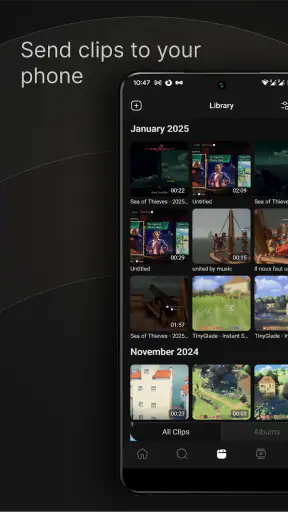
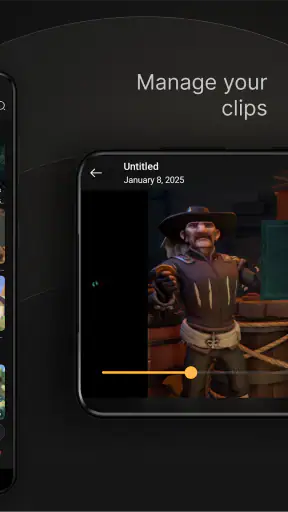
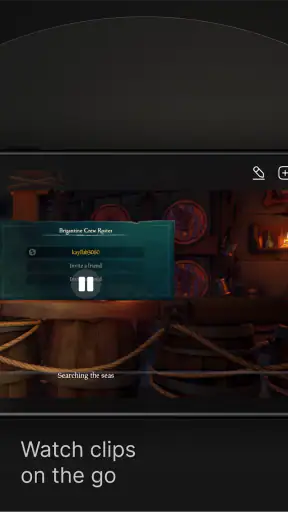
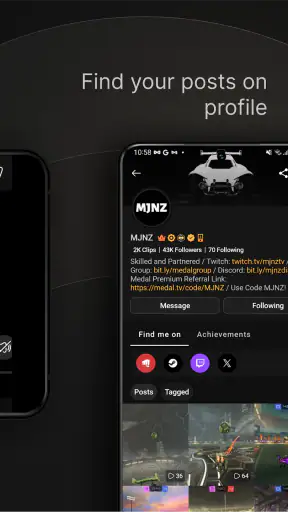
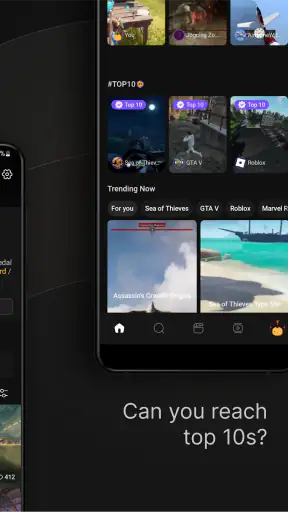
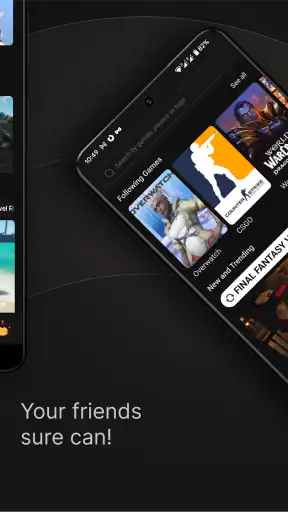
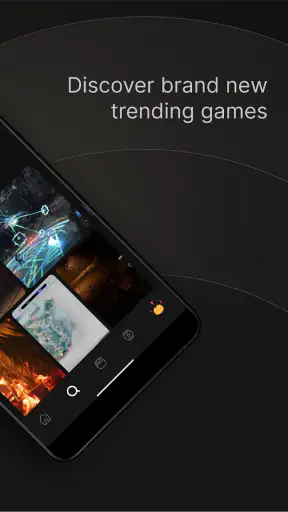
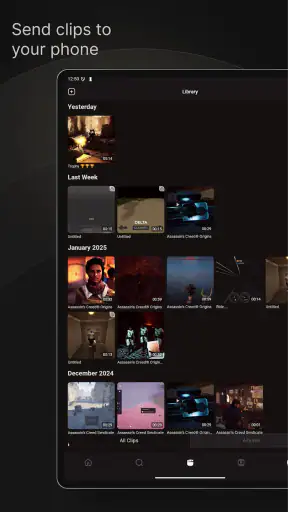
I approached Medal - Gaming Clips as a social app for people who want to keep gaming moments close at hand rather than leave them buried in a console, computer, or phone gallery. Its central idea is straightforward: capture a moment, make it presentable, upload it, and share it with people who care about the same games. In practice, that makes it more useful for regular clip sharing than for someone searching for a full video-editing suite.
The app is developed by Medal B.V. and is available free of charge, although optional in-app purchases range from $9.99 to $179.99 per item. It is listed for Teen users and runs on Android 8.0 or later. The current version is 6.15.6, and its social focus is clear from the way the experience revolves around gaming videos rather than general photo or video posting.
My overall impression is mixed but fairly practical. Medal can make gaming clips easier to collect and show to friends, especially when I want a gaming-first space instead of a general social network. At the same time, the average rating of 3.1 from around 13 thousand ratings suggests that the experience has not been equally smooth for everyone. I would treat it as a convenient companion for sharing clips, not as the only place I keep important recordings.
What using Medal feels like day to day
The first thing that separates this app from a normal gallery or a general social platform is its purpose. A phone gallery stores everything together: screenshots, camera photos, downloads, and clips. A platform such as a broad social network gives you a much larger audience, but gaming content competes with every other kind of post. Medal sits between those choices by giving gaming clips their own setting and social context.
That focus is valuable when the people I want to reach already understand gaming culture. A short clutch, an unexpectedly funny voice moment, or a strange bug needs little explanation when the audience knows the game. Instead of sending large video files through a chat, I can use a dedicated clip workflow and share the result where other players are more likely to appreciate it.
I would not confuse that convenience with professional editing power. The editing side is best understood as a preparation step for social sharing. If I need a carefully timed montage, detailed audio mixing, layered graphics, color correction, or a polished long-form video, I would move the footage into a dedicated editor. Medal makes more sense for quick decisions: trim the unneeded beginning, keep the important moment, add enough context, and publish.
A realistic clip-sharing routine
Imagine finishing an evening match and noticing that one round produced a much better moment than expected. My practical routine would be to find the recording while the memory is still fresh, remove the waiting time before the action, check that the useful audio is present, and then decide whether the clip is worth sharing publicly or only with friends. That last decision matters because not every recording deserves a permanent audience.
For a private group chat, the app can reduce friction by keeping the clip tied to a gaming-oriented identity instead of making me explain every file manually. For a public post, I would be more selective. A short clip with a clear beginning and ending is easier to watch than a raw recording that asks strangers to wait through menus, loading, or several minutes of unrelated play.
One useful habit is to edit for the viewer rather than for the person who made the recording. I already know what happened, so I may be tempted to keep too much setup. Someone discovering the clip does not have that patience. Medal is most effective when I use its quick workflow to remove the context that only I find interesting.
Where it fits beside familiar alternatives
The usual alternatives each do something better. A phone’s built-in screen recorder is often the quickest way to capture something, while the gallery is dependable for keeping a local copy. A general social network can offer a broader audience, and a desktop editor usually provides finer control. Medal’s advantage is the combination of gaming identity, clip organization, editing, and sharing in one focused destination.
That combination is especially appealing if I post often and want my gaming material separated from personal media. It is less compelling if I only save one clip every few months. In that case, the built-in recorder and a familiar messaging app may be simpler, with fewer accounts and fewer places to manage.
There is also a trade-off in using a specialized social service: the value depends on whether the community and sharing tools fit my habits. If my friends are already active elsewhere, moving them to another app may create more work than it saves. Medal is not automatically a replacement for every recording or social tool; it is a better fit when its gaming focus matches the people I actually want to reach.
Trust, controls, and the moments that deserve caution
What I check before sharing
With any social app built around uploaded media, I pay attention to the choices made before publishing. A gaming clip can contain more than the intended action: a username, a conversation, a notification, a friend’s voice, or information visible in the background. The safest workflow is to watch the complete clip once before uploading it, not just the exciting section I plan to show.
This is particularly important with recordings made during live play. A few seconds before the highlight may reveal a profile screen or an invite code, while a few seconds afterward may include a private conversation. Trimming is therefore not only a presentation tool. It is also a basic privacy check. I would remove anything that identifies another person or exposes information that has no reason to be public.
I also prefer to decide the audience before I start treating a clip as finished. If a moment is only meant for a small group of friends, publishing it broadly and hoping the audience remains limited is the wrong order of operations. Medal is most trustworthy in my routine when I slow down at that point and make an intentional choice rather than tapping through the upload process automatically.
Account control matters more than a polished clip
A social profile can become a record of my gaming habits over time. Even harmless posts may reveal when I play, which games I return to, or which usernames are connected to me. I would keep that in mind when choosing a profile name, deciding how much personal information to attach, and reviewing older uploads. A gaming identity does not need to expose my everyday identity.
The app’s Teen content rating is another reason I would encourage younger users to involve a parent or guardian in decisions about public posting and contact with other users. The rating does not remove the need for judgment. A teenager may be comfortable sharing a funny match with friends but less comfortable with strangers commenting, reusing, or discussing it later.
My advice is to begin conservatively. Share a few clips with the smallest audience that suits the purpose, learn how the account and posting flow feel, and only then consider making more material public. This is not a criticism unique to Medal; it is the sensible approach for any service where gaming recordings become part of a social profile.
Free access and optional spending
The free entry point makes it easy to test whether the workflow fits. I would use the basic experience first rather than assuming that every optional purchase is necessary. In-app purchases can cost from $9.99 to $179.99 per item, so the upper end is substantial enough that I would inspect each purchase screen carefully before confirming anything.
For families, device-level purchase protections are worth setting up before a teenager explores optional features. For my own account, I would avoid buying simply because a prompt appears during an enthusiastic editing session. The important question is whether the purchase solves a problem I actually have, such as a repeated workflow limitation, rather than whether it sounds useful in theory.
This pricing range also changes how I judge the app. A free app can be excellent for occasional sharing, but frequent users should decide what they are comfortable spending over time. I would not build my entire clip archive around a paid option until I had used the free experience long enough to understand what I need and what I can live without.
Three practical habits that improve the experience
First, I would create a simple personal rule for clip length: keep only the setup needed to understand the moment. This makes the feed easier to browse and reduces the chance of accidentally sharing unrelated material. It also exposes whether Medal’s editing tools are sufficient for my style; if I constantly need frame-by-frame control, a separate editor is the better companion.
Second, I would separate “archive” clips from “share” clips. A raw recording can be useful as a personal memory or source material, while a public post should be shorter and more deliberate. Keeping those purposes distinct prevents me from publishing something merely because I do not want to lose it.
Third, I would review audio as carefully as video. A visually harmless clip can still include a friend’s private comment or a notification sound that reveals more than expected. Muting, trimming, or choosing not to share is sometimes the right edit. This is one of the less obvious differences between showing a clip to people who were present and showing it to an online audience.
Who should use it, and who should skip it?
I think Medal is a good match for players who regularly create short gaming clips, enjoy a gaming-centered social environment, and want a quicker route from recording to sharing. It is also useful for someone whose phone gallery has become an unmanageable pile of game videos and who wants a more intentional place to sort and present them.
I would be more cautious recommending it to someone who wants a private, offline-first archive, a professional editing workstation, or a single universal platform for every kind of video. The app’s social purpose may feel unnecessary if I rarely share clips. It may also be the wrong choice if I am uncomfortable maintaining another account or if my friends will not use the same service.
People who care strongly about data and account control should take a measured approach: read the visible privacy and account settings, understand the audience choice at posting time, and avoid uploading clips that contain information they would not want associated with a social profile. I would not infer protections that are not plainly shown in the app’s controls. Trust here should come from choices I can inspect and manage, not from assumptions.
My cautious verdict
After using it as a gaming clip tool, I see a clear reason for Medal’s existence. It brings recording, light editing, and sharing closer together than a normal gallery does, and it gives gaming moments a more relevant home than a general social feed. That is enough to make it worth trying for active clip makers, particularly because the starting price is free.
Still, I would keep expectations realistic. The average rating of 3.1 shows that the experience has room to improve, and the optional purchase range means I would pay attention before spending. I would also retain important recordings elsewhere and treat every upload as a deliberate social decision rather than an automatic backup.
With over 5 million installs, Medal is clearly familiar to a large audience, but popularity alone is not a substitute for checking whether its controls and workflow suit me. My recommendation is cautious: try it for a limited set of clips, start with conservative sharing choices, and compare the results with the recorder and editor I already trust. If the gaming-focused community and quick publishing flow save me time, it can become a useful part of my setup. If I mainly need private storage or advanced production tools, another option will serve me better.


